
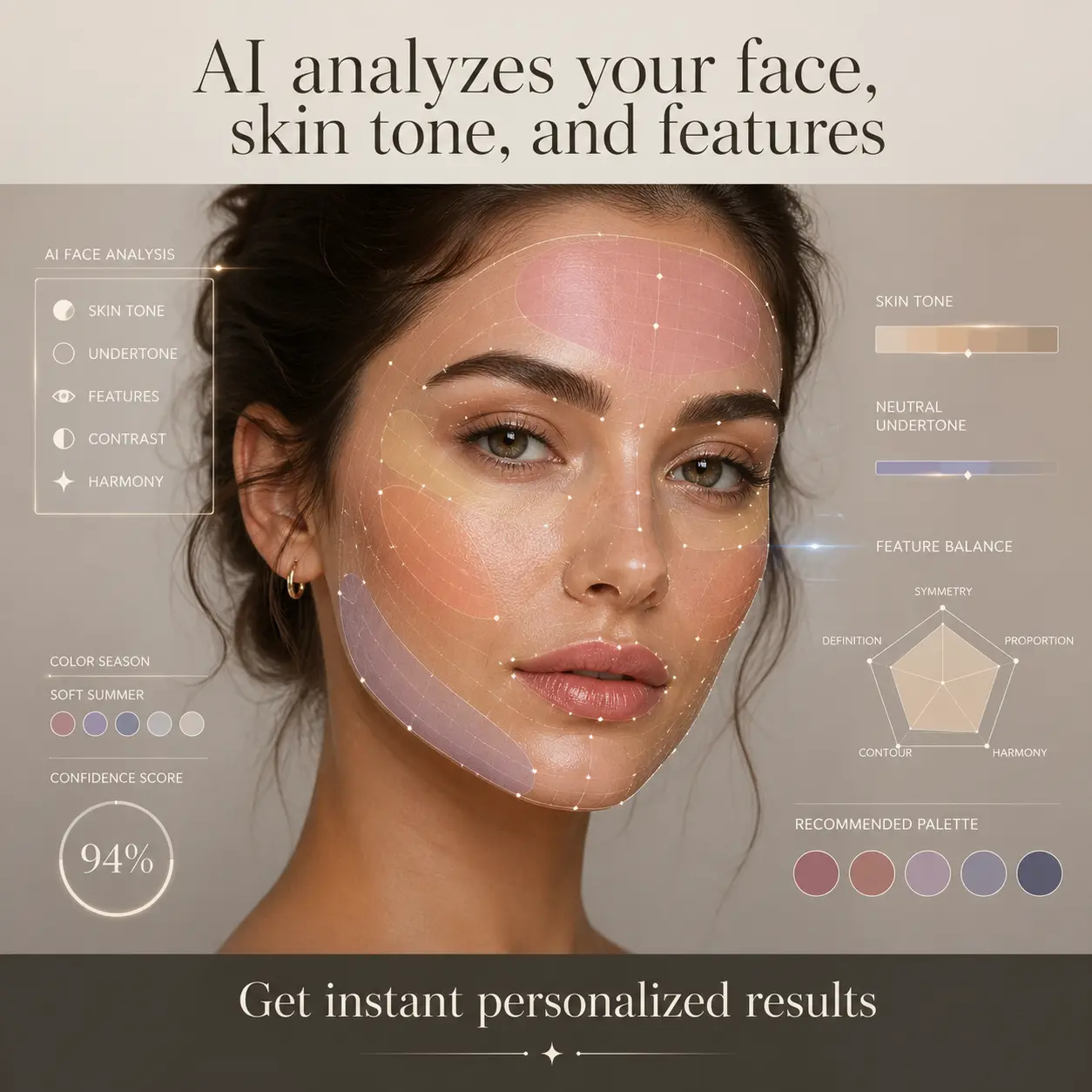
16-season guide

16 Season Color Analysis

Explore the 16-season system, compare undertone, value, chroma, and contrast, then find your likely palette with a photo.

Get My 16-Season PaletteThis page is primarily an information page. Personalized palette generation is the paid conversion path.
AI color analysis guide explaining how personal color palettes work

Free guidance

Narrow your 16-season direction

Use the quick questions to identify whether temperature, softness, brightness, lightness, or depth may matter most.

Which detail matters most when colors go wrong?
Which contrast level feels easiest?
Which color mistake do you notice fastest?

Your quick result will appear here

0/3 answers selected. Complete the quiz for a free starting point.

Free guide

A 16-season system map

This page is for users who already know basic seasons feel too broad and want to understand the dimensions behind a finer palette.

  • 16-season education and dimension breakdown
  • Comparison table for undertone, value, chroma, and contrast
  • Example palettes and avoid colors for common sub-seasons

Premium unlock

Free preview, clean 16-season export

The AI preview can show the likely 16-season direction for free. Payment unlocks the clean export without the preview watermark.

  • Free watermarked 16-season preview with reasoning
  • Palette image with best, neutral, avoid, blush, and lip colors
  • Paid clean no-watermark export

Practical guide

Fast Answers Before You Upload

Use these recommendations as a baseline. The AI report adapts the result to the page intent and your uploaded portrait.

How 16-season analysis gets specific

A 16-season result combines undertone, value, chroma, and contrast.

Undertone

Best: Warm, cool, neutral-warm, neutral-cool

Avoid: Choosing colors only by hair color

Value

Best: Light, medium, or deep color depth

Avoid: Palettes that are too heavy or too pale

Chroma

Best: Soft/muted or bright/clear colors

Avoid: Random saturated colors without harmony

Contrast

Best: Low, medium, or high outfit contrast

Avoid: Contrast levels that overpower your face
Example 16-season families

These are examples of how the system refines broad seasons.

Soft Summer

Best: Dusty rose, soft navy, cool taupe

Avoid: Orange, neon yellow, harsh black

Deep Autumn

Best: Espresso, olive, rust, deep teal

Avoid: Icy pink, pale gray, stark white

Bright Spring

Best: Clear coral, warm turquoise, bright cream

Avoid: Dusty mauve, muddy brown, cool gray

AI report prompt

The Upload Result Is Matched to This Page

Generate a 16-season color analysis result with a likely 16-season label, undertone/value/chroma/contrast, best colors, avoid colors, makeup colors, and outfit colors.

Source-aware

The same upload engine is reused, but the prompt changes for color quiz, seasonal analysis, undertone, blush, lipstick, or 16-season intent.

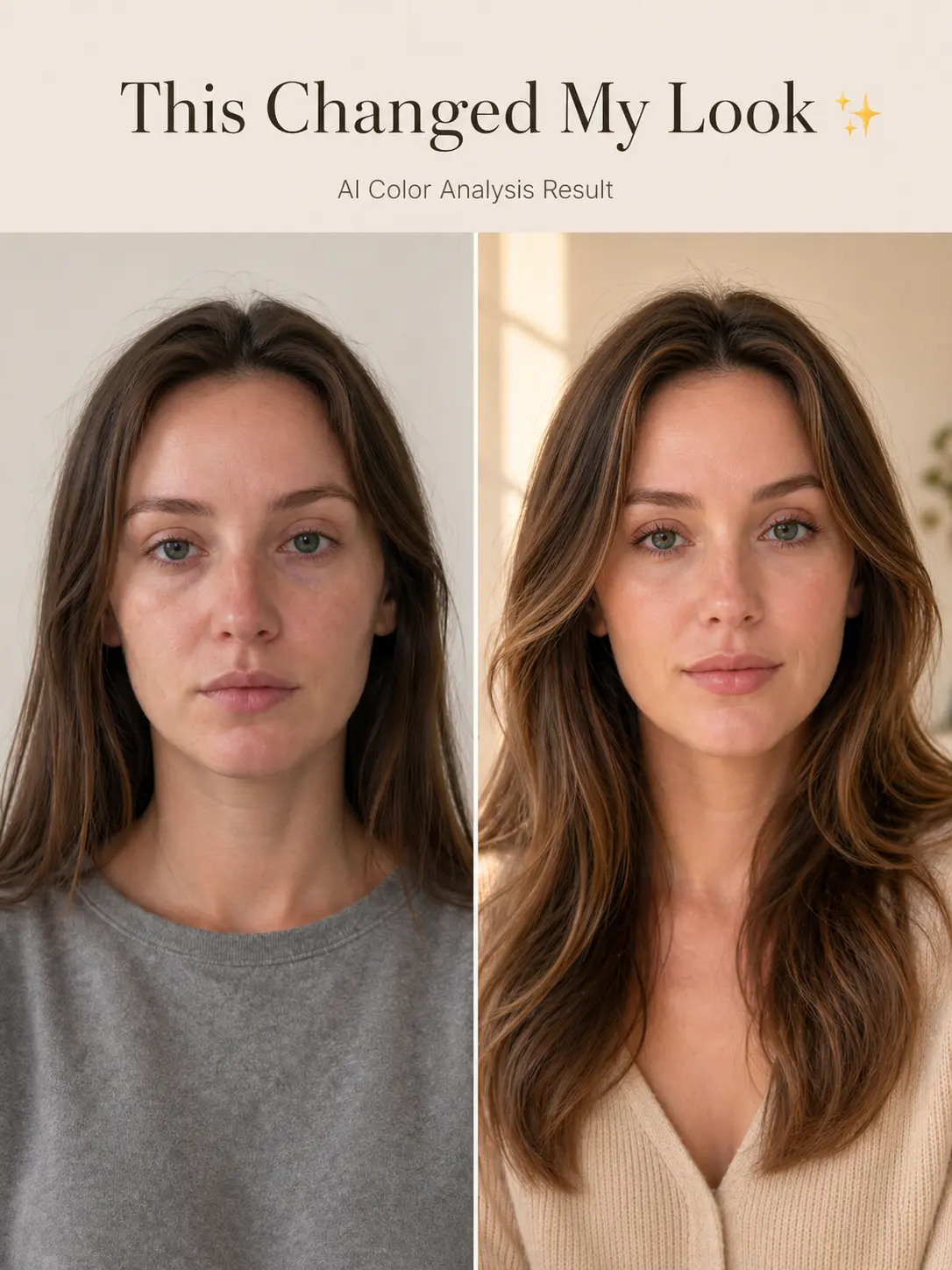
Before and after AI color analysis showing what colors suit a woman's face and improve her overall look

Before / After example

See the kind of visual change your report is built to explain

A useful color analysis should make the difference easy to see: which tones brighten the face, which ones feel flat, and how hair and makeup direction can support the overall look.

Color direction

Best, neutral, and avoid colors in one visual result.

Style context

Hair and makeup notes are matched to the same uploaded face.

Preview first

Users can review a free preview before choosing HD.

Common use cases

Why people check their colors first

Use the report as a practical guide before you change your wardrobe, makeup, or hair direction.

1

Shopping decisions

Use the palette to narrow down clothing colors before buying.

2

Makeup matching

Check whether warm, soft, or brighter tones fit the face better.

3

Glow-up planning

Compare color, hair, and makeup direction before changing a look.

Personalized result

Upload a Photo for Your AI Result

A clear portrait helps the report evaluate visible harmony cues instead of relying only on quiz answers.

Setup progress33%
1Upload photo
2Pick your look
3Generate report
16-season output

Choose how you want to review your color result.

Analysis depth

Tell the report where the palette needs to work first.

Palette question

Pick the decision you want the report to answer.

Makeup detail

Choose how much makeup guidance you want included.

Is this page a paid tool or an information page?

The page itself is an information page. Uploading a photo creates a personalized AI report with a free preview and paid clean export.

What is the difference between 12 and 16 seasons?

Both systems refine the four seasons. The 16-season approach gives more room for neutral, deep, bright, and soft variations.

Can I use the palette for outfits?

Yes. The page gives examples, and the report can include wearable neutrals and outfit color direction.