
1
1. Upload your photo
Use a clear JPG, PNG, or WEBP portrait under 5MB.
Wondering “what colors suit me?” Start with a clear daylight selfie. Get an AI estimate of your season, flattering colours and everyday neutrals, with a free preview before a paid clean export.
Use a front-facing photo in natural daylight, without filters. Photo analysis is an estimate; lighting can affect your result.
Example report
Explore an example before uploading. Your report will be generated from your photo and selections.
Color
Soft warm
Hair
Face frame
Makeup
Satin glow
Compare clothing colours near your face in consistent indirect daylight. Start with similar-depth warm and cool fabrics, then compare lighter and darker shades and softer and clearer colours. Look for a more even-looking complexion and balanced contrast rather than choosing a favourite colour. Skin depth, eye colour or a vein test alone cannot determine a colour season. A clear portrait can provide another styling reference, although lighting, filters and camera processing affect the result. This site's AI tool uses your photo and selected preferences to generate a colour-analysis preview. The watermarked preview is free; a clean export is an optional paid unlock. Treat a suggested season as a starting point to check against real clothes.
Demo reports
Browse real demo layouts for color matching, before-and-after comparisons, hairstyle ideas, makeup direction, and shareable glow-up results.
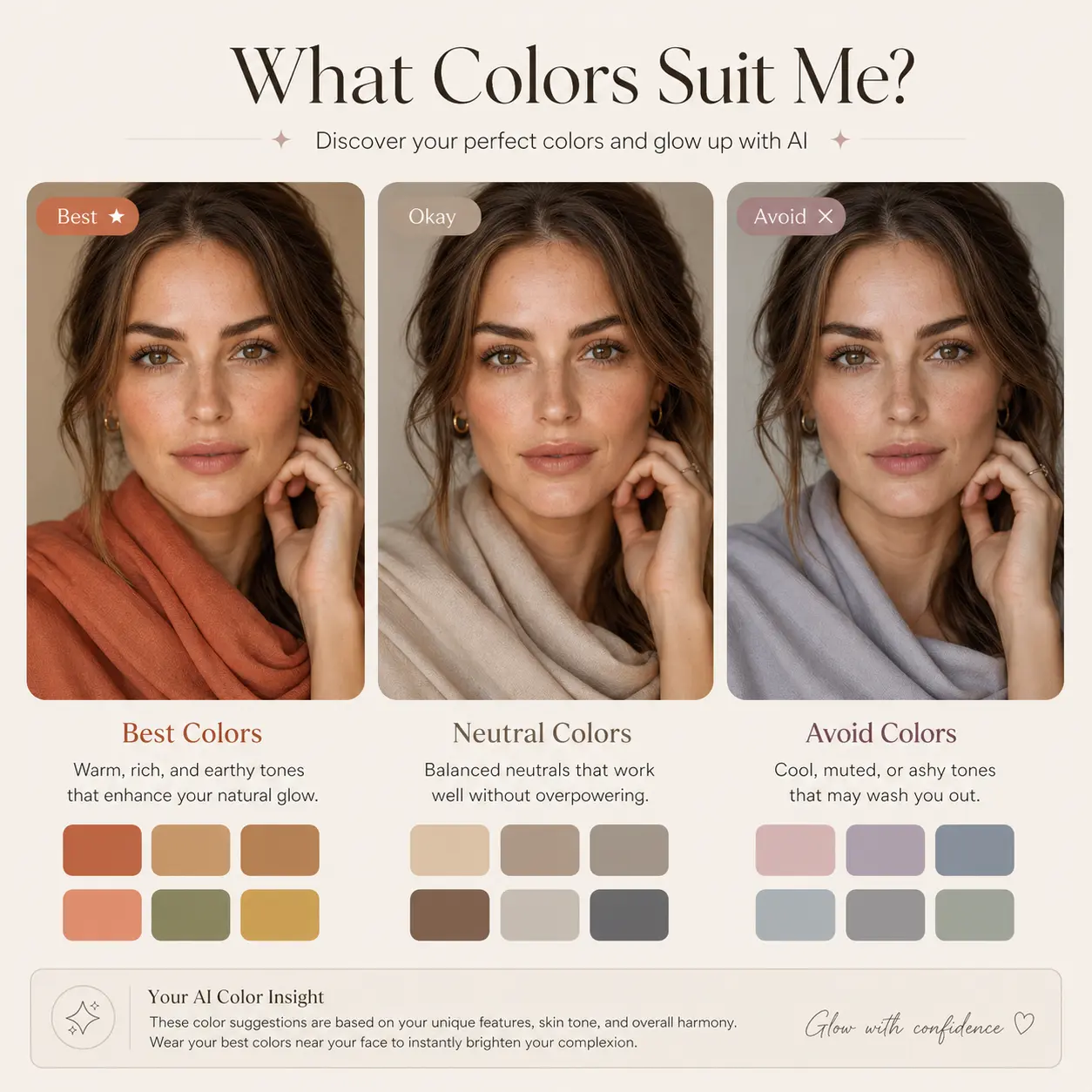
Example reportCompare warm and cool fabrics, choose everyday neutrals and put an outfit palette together.
 Example report
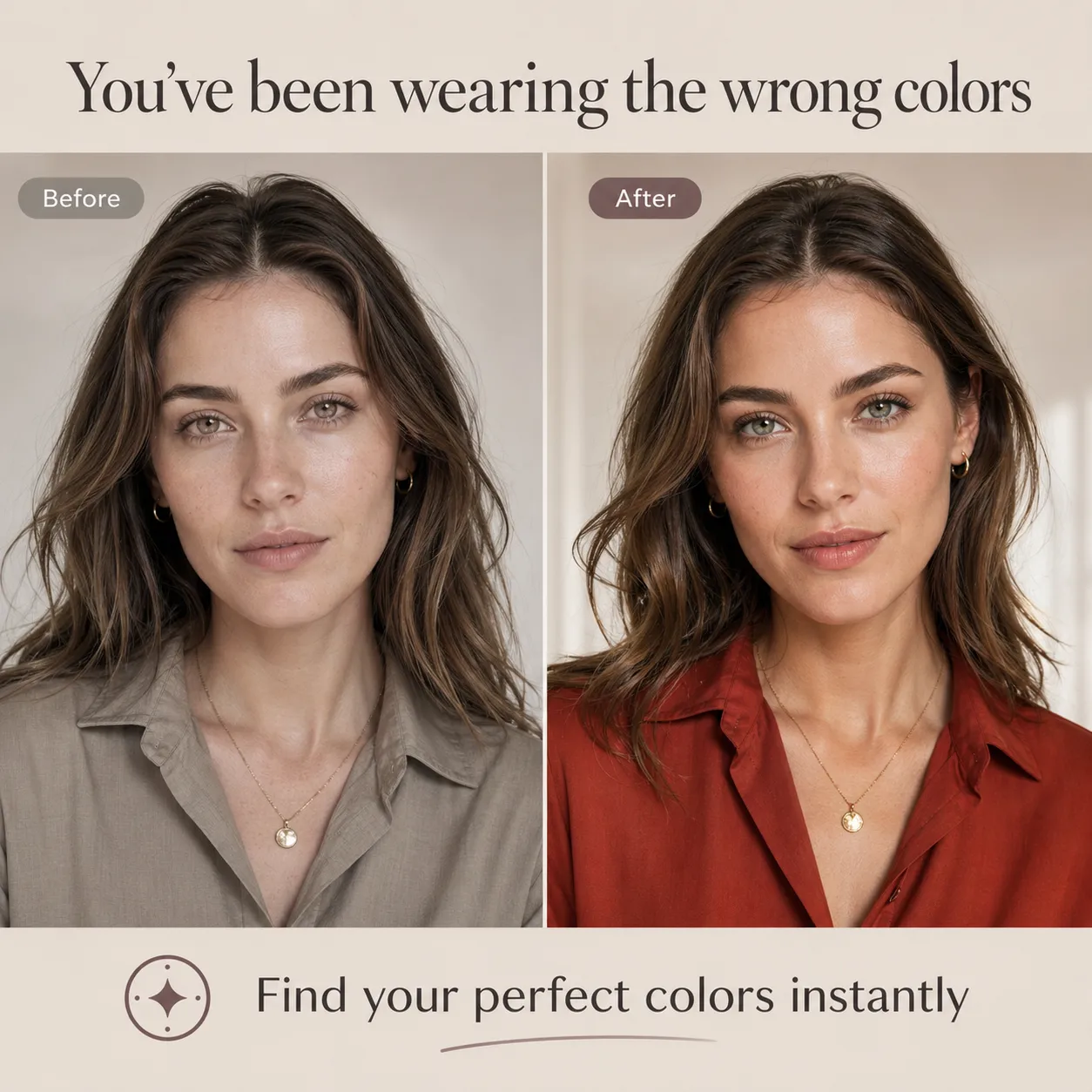
Compare a less flattering outfit color with a stronger color match.
 Example report
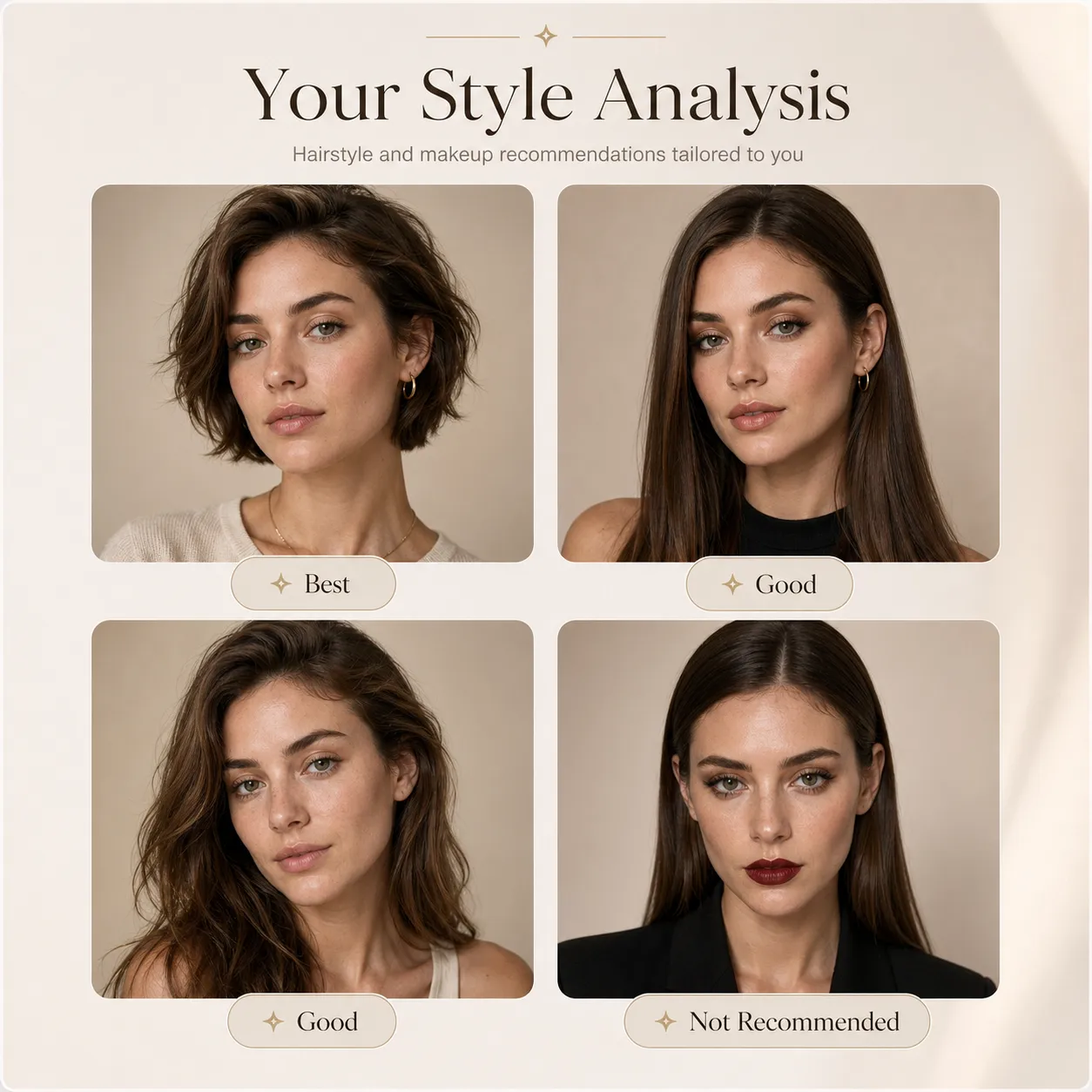
Review hairstyle and makeup directions matched to your face shape and features.
 Example report
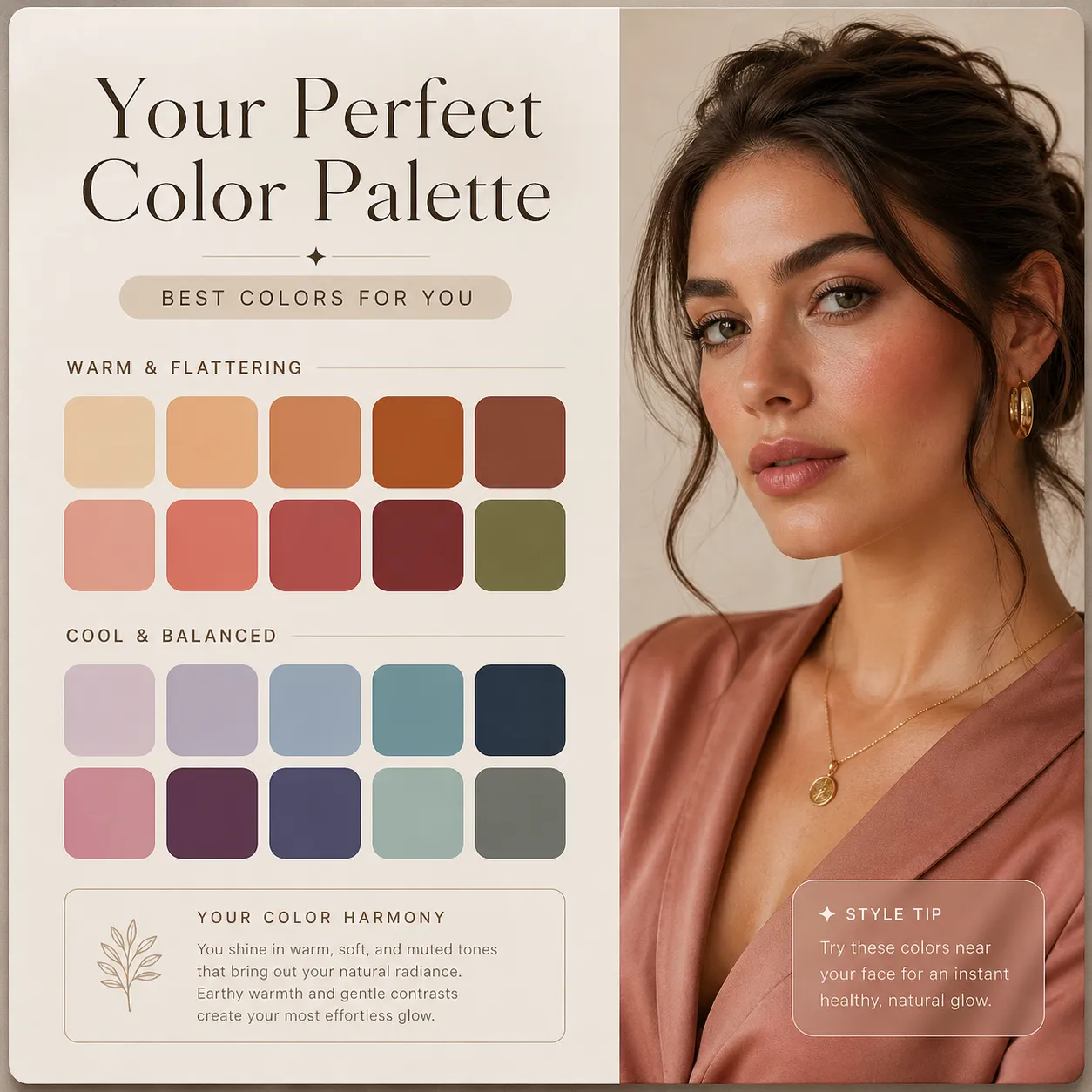
Get a clear palette of best and worst colors for your skin tone.
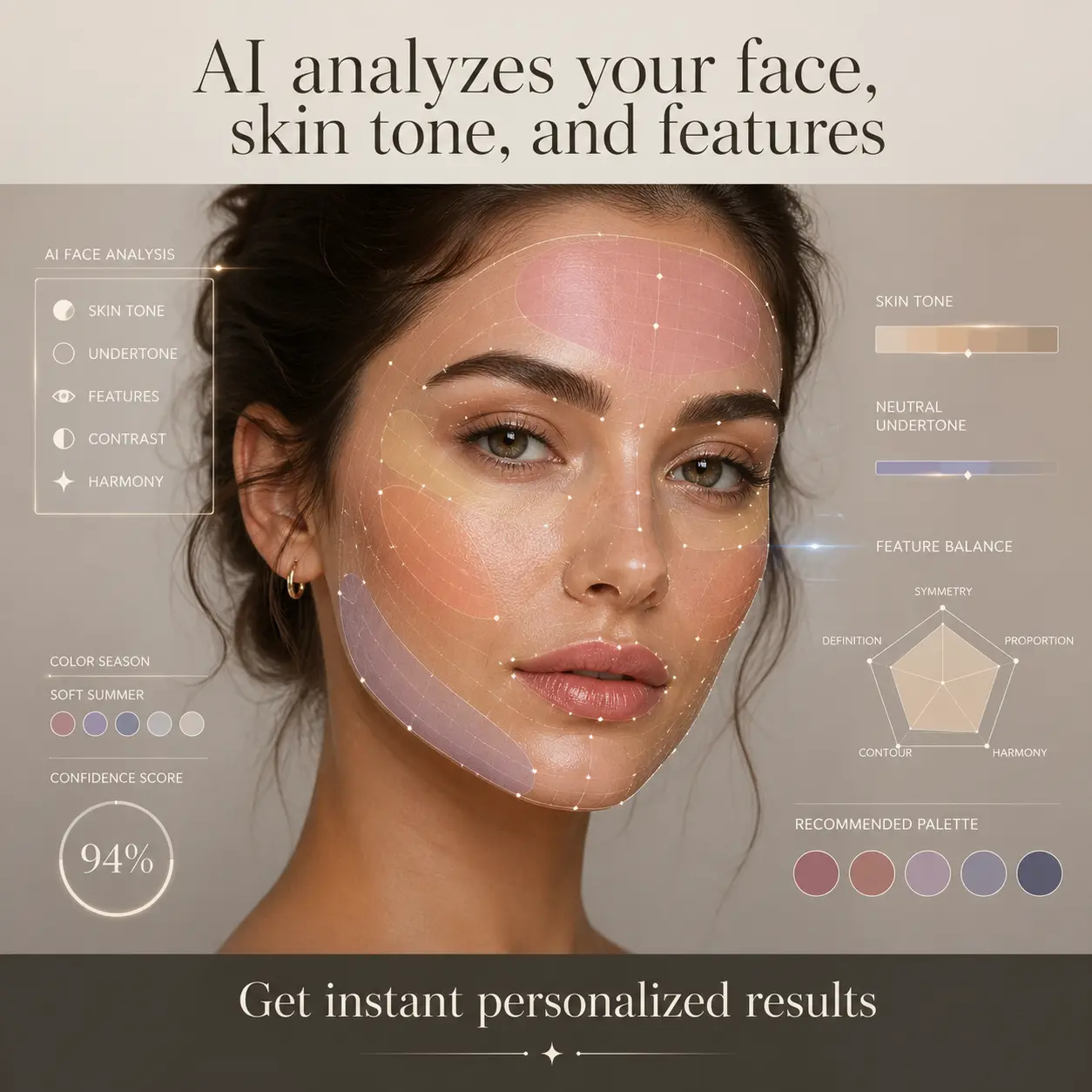 Example report
See how the AI scans facial features and matches colors to skin tone.
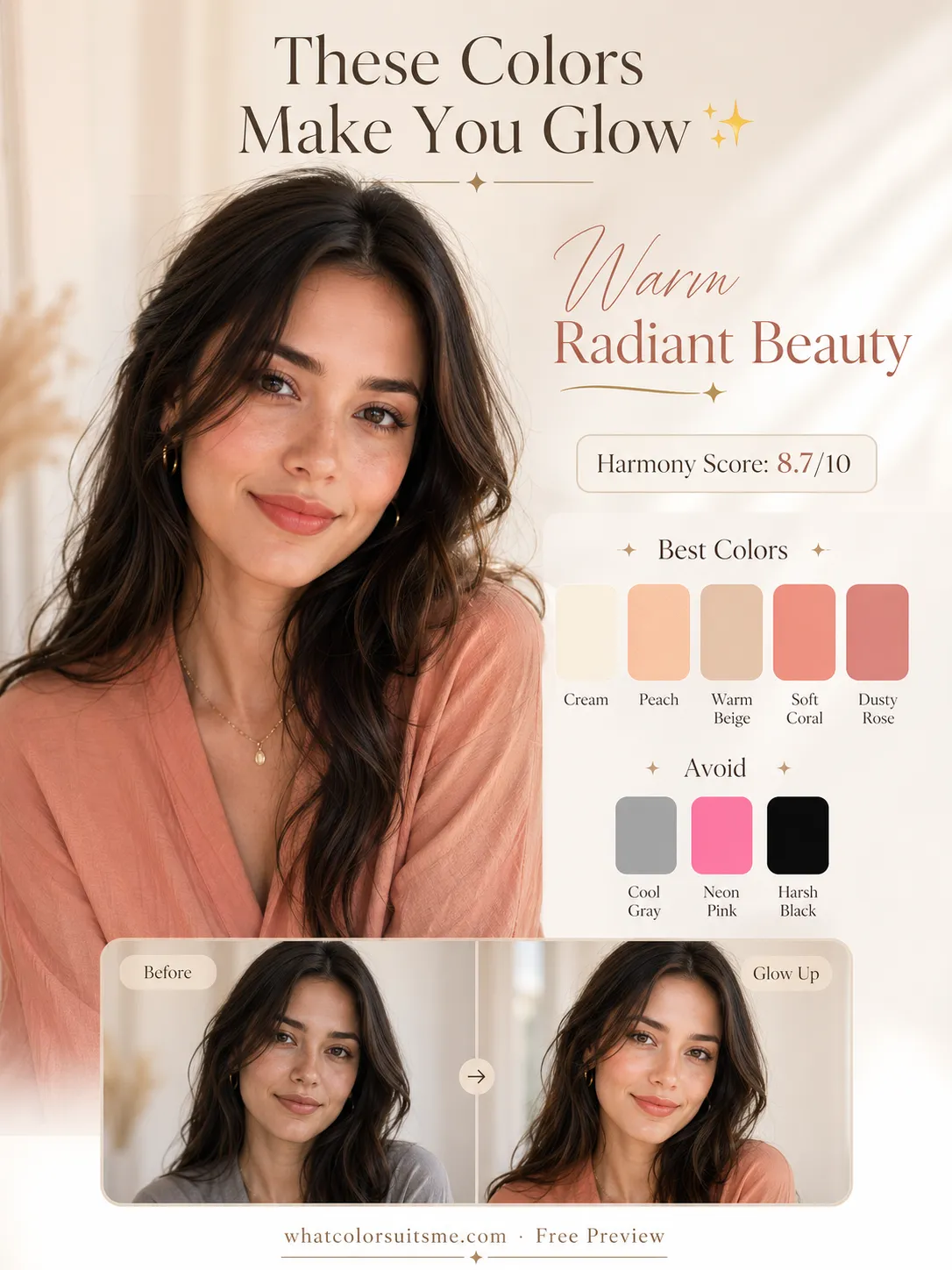 Example report
Create a Pinterest-ready AI color analysis card with best colors, avoid colors, and a subtle glow-up preview.
Color analysis tools
Choose a focused quiz or guide, then upload a portrait when you want a personalized AI result matched to that page.
Answer a quick color quiz, then upload a portrait for a personalized season, palette, best colors, and avoid colors.
Find your likely color season, then generate an AI report for your season, secondary direction, best colors, and makeup shades.
Explore the 16-season system, compare undertone, value, chroma, and contrast, then find your likely palette with a photo.
Compare warm, cool, neutral and olive clues with a free three-question skin undertone test. Use the daylight checks below, or upload a portrait for a personalised AI preview.
Find blush families that look fresh instead of muddy, too red, or too orange, then generate a personalized blush report.
Find everyday, date night, and bold lipstick families that brighten your face instead of making it look dull or harsh.
Upload your photo to compare realistic hair color previews on your own face, then see which shade family works best with your undertone and contrast.
Seasonal colour library
Browse seasonal palettes, copy colour codes and try outfit combinations with clothes you already own.
Autumn family
Rich earth colours, warm depth and an easy-to-build wardrobe.
Explore colours & outfits
Summer family
Airy, cool-leaning colour with gentle everyday combinations.
Explore colours & outfits
Winter family
Cool depth, clear accents and confident dark foundations.
Explore colours & outfits
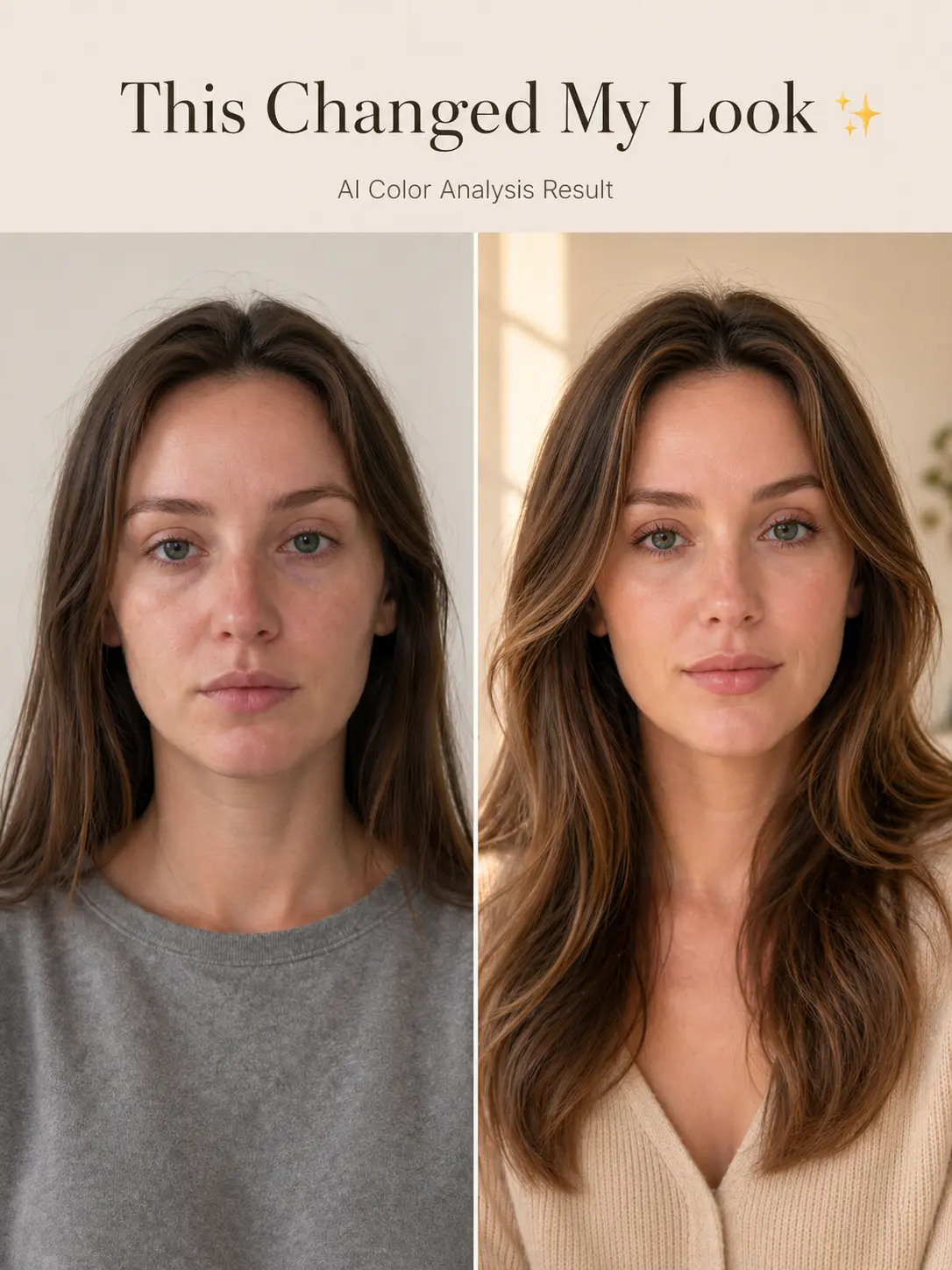
Before / After example
A useful color analysis should make the difference easy to see: which colors add freshness, which ones feel neutral, and which shades can make the face look dull or harsh.
Color direction
Best, neutral, and avoid colors in one visual result.
Style context
Hair and makeup notes are matched to the same uploaded face.
Preview first
Users can review a free preview before choosing HD.
Common use cases
Use the report as a practical guide before you change your closet, makeup, or hairstyle.
Shopping decisions
Use the palette to narrow down clothing colors before buying.
Makeup matching
Check whether warm, soft, or brighter tones fit the face better.
Glow-up planning
Compare color, hair, and makeup direction before changing a look.
What you get
The MVP focuses on the decisions users actually search for: colors, hair, and everyday beauty direction.
Understand your face shape and key features.
Find flattering hairstyles that match your face.
Discover makeup styles and colors that enhance your natural look.
How it works
Upload a photo, choose a colour goal and review your free AI preview.
Use a clear JPG, PNG, or WEBP portrait under 5MB.
Focus on your colour season, flattering shades or an everyday palette.
Explore your likely season and colour direction. A clean export is available as an optional paid unlock.
What Color Suits Me keeps the first version focused: one report, one preview, one optional HD unlock.
Preview
1K
Watermarked image
Premium
$2.99
One-time payment
HD Export
4K
Clean image
How the photo analysis works, what your preview includes and how to use your colours.
Start with your undertone, depth and contrast. Upload a daylight portrait for an AI estimate of your season and wearable colour palette, then compare the suggested colours against real clothes near your face.
Yes. Colour analysis is the British spelling and color analysis is the American spelling. Both describe finding colours that work with your natural colouring.
Yes. Upload your photo directly to get a colour analysis preview. If you prefer to explore first, use the skin undertone test or the clothing colour guide.
Yes. You can generate a 1K free preview with a tasteful watermark before deciding whether to unlock HD.
The premium version is a clean 4K beauty report with the same generated result, no Preview text, no bottom Created branding, and a cleaner shareable design.
No. The MVP flow does not require login, subscriptions, credits, or a user history page.
What Color Suits Me supports JPG, PNG, and WEBP images up to 5MB.
Upload a daylight photo and see your free colour analysis preview. Unlock a clean export only if you want to keep it.